Invite users
Invite a teammate to your organisation workspace from User Management.
Organisation admins can invite new users to the workspace.
Invite a user
Open User Management
Open the user menu, then select User Management. This option is available to admins.
Start an invitation
Select Invite User.
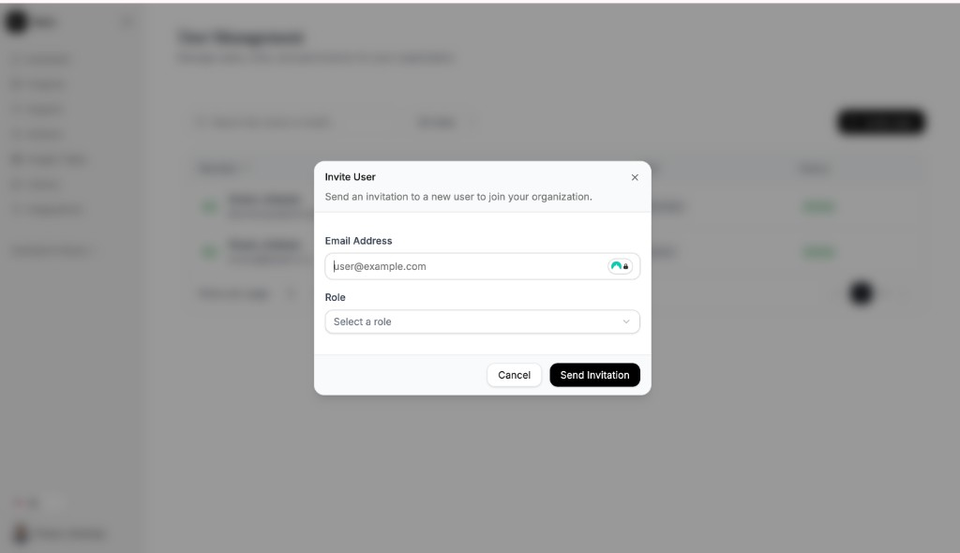
Send an invitation with the right role. Enter the email and role
Enter the person’s Email Address, then choose a Role: Admin or Member.
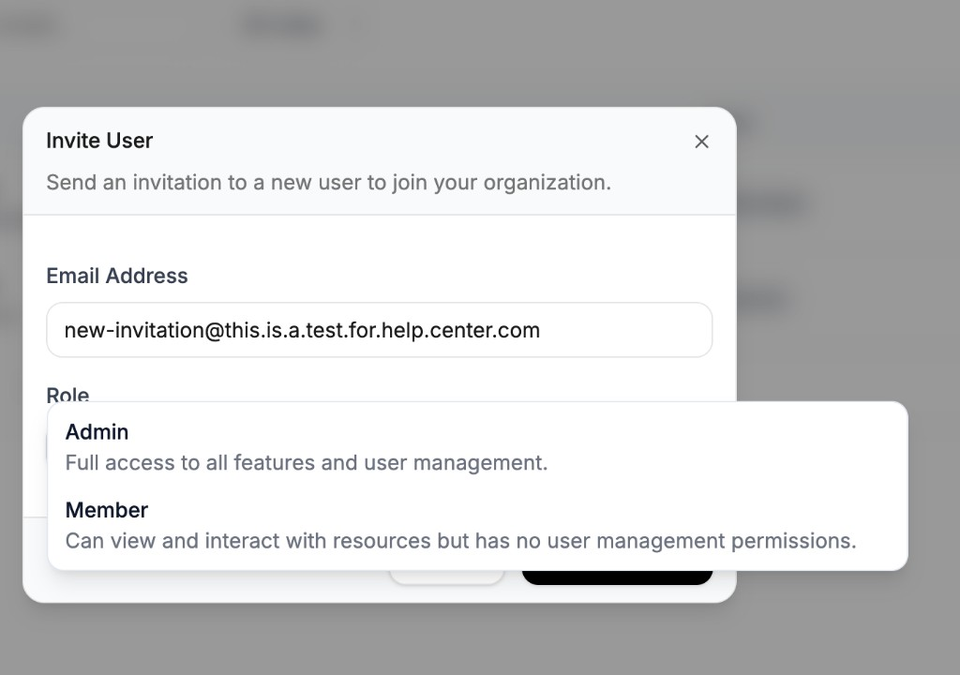
Admin can manage users; Member uses the workspace without user management. Send the invitation
Select Send Invitation. Pending invitations appear under Pending Invitations.
Need more help?
If you are stuck, email support@nairobilabs.com.