Manage workspace members
View organisation members, search the user list, and check pending invitations.
Admins can review who belongs to the organisation workspace in User Management.
Review members
Open User Management
From the user menu, select User Management.
Browse the users list
Review the Member, Role, and Status columns. Status may show Active or Pending.
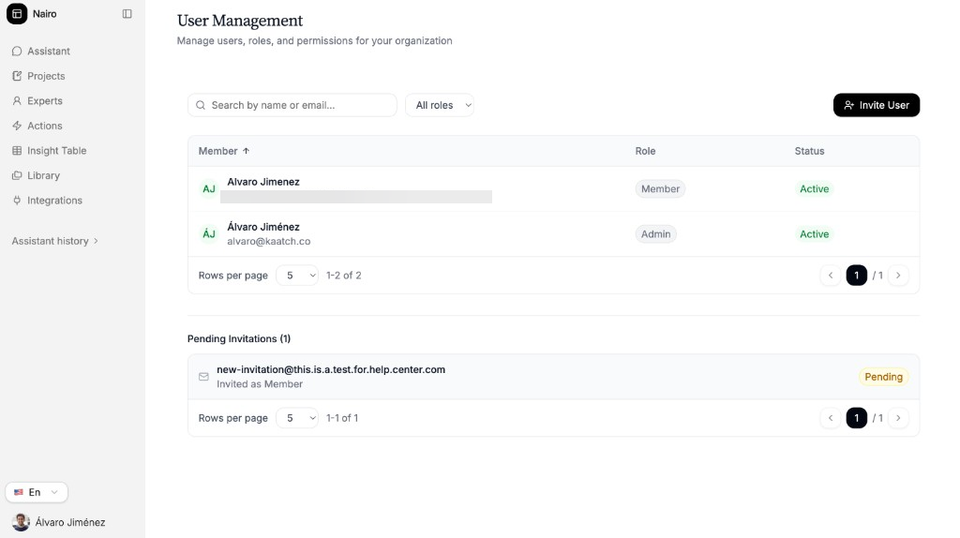
Members, roles, status, and pending invitations in one place. Search or filter
Use Search by name or email… to find someone. Filter by All roles, Admin, or Member when needed.
Check pending invitations
Review Pending Invitations to see who has been invited but has not joined yet.
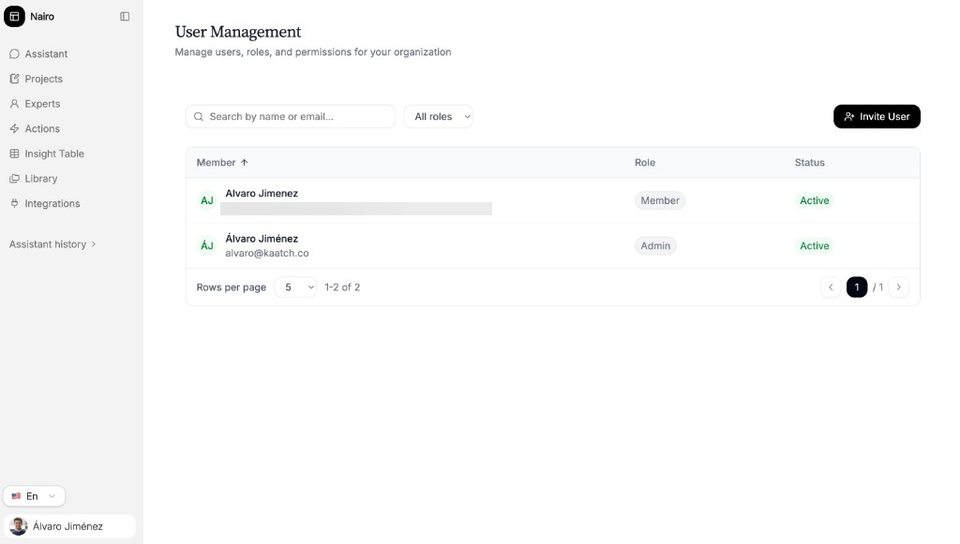
Check roles and invitation status in the members list.
Need more help?
If you are stuck, email support@nairobilabs.com.