Sign out or manage your account
Open account settings from the user menu, or sign out of Nairo safely.
Use the user menu to manage your account or sign out when you finish work.
Manage your account
Open the user menu
Select your name or avatar in the sidebar footer.
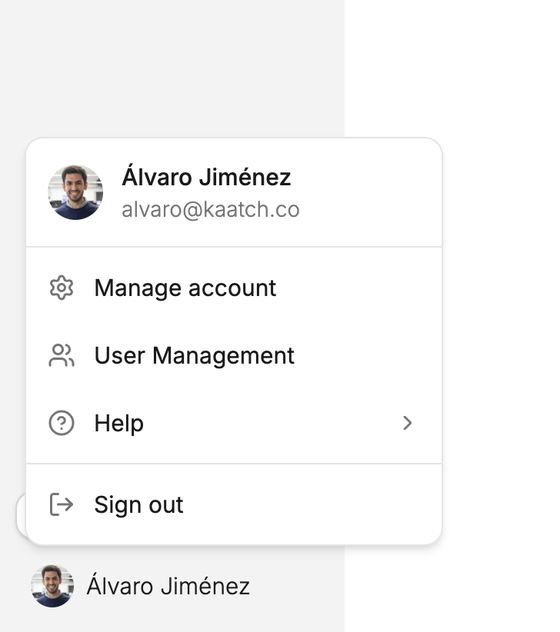
Account options live in the user menu. Select Manage account
Choose Manage account to open your personal account settings.
Sign out
Open the user menu
Select your name or avatar.
Select Sign out
Choose Sign out. Nairo returns you to the sign-in screen.
Need more help?
If you are stuck, email support@nairobilabs.com.