Update your profile
Open Manage account to update your personal profile details in Nairo.
Update your name, email settings, and other personal account details from the user menu.
Update your profile
Open the user menu
Select your name or avatar in the sidebar footer.
Open Manage account
Select Manage account.
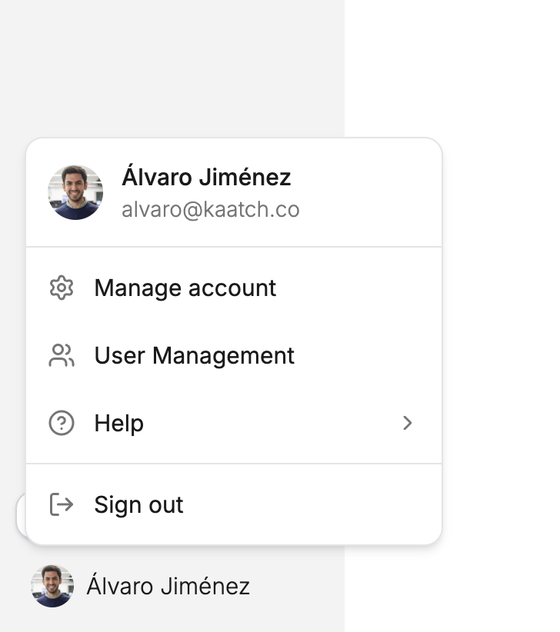
Manage account opens your personal account settings. Edit your details
Update the profile fields shown in the account window, then save your changes there.
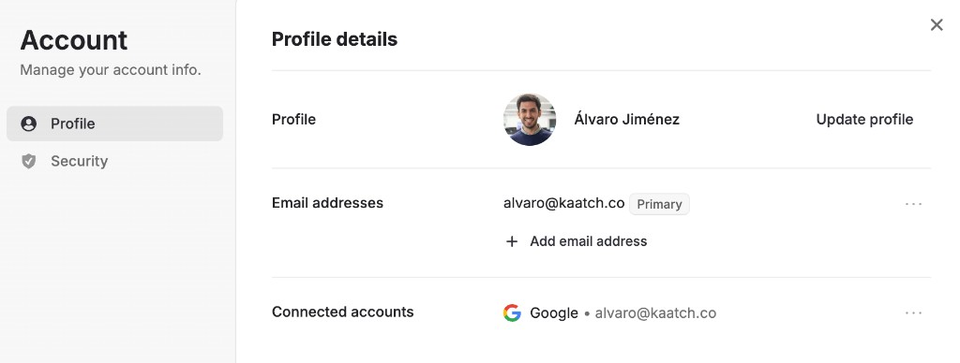
Update profile, email addresses, and connected accounts.
Need more help?
If you are stuck, email support@nairobilabs.com.