How uploaded documents are handled
What you see after you upload a document so Nairo can use it in your workspace.
When you upload a document, Nairo adds it to your organisation workspace and prepares it so supported AI features can use it.
What you see after you upload
Choose a file in Nairo
Upload from the place you are working, for example Sources in Assistant, or the document area in a Project or Insight Table.
Wait while Nairo prepares the document
After upload, Nairo processes the document. You may see status labels while this finishes.
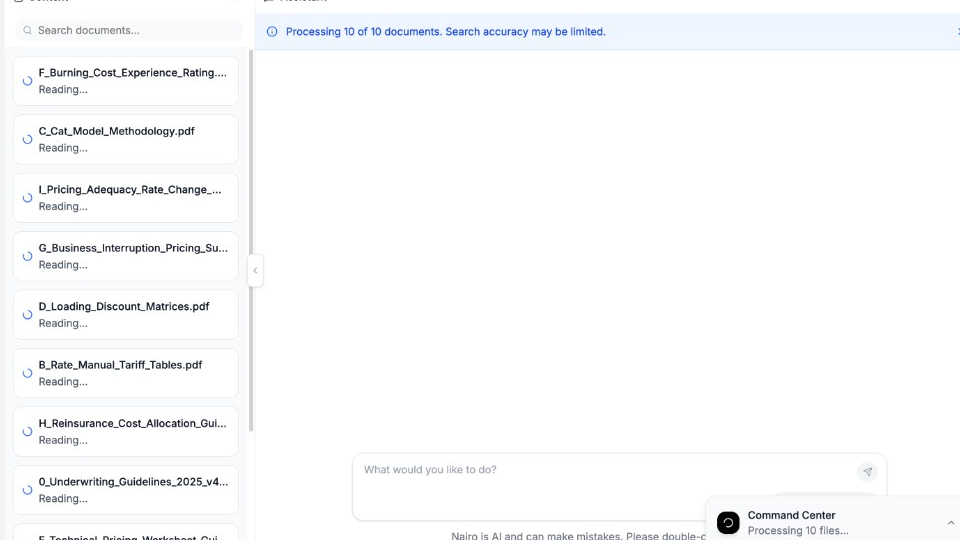
Status labels show when a document is still being prepared. Use the document when it is ready
When processing finishes, you can ask questions, run reviews, or continue your workflow with that document available in your workspace.
Need more help?
If you are stuck, email support@nairobilabs.com.