Users, roles and workspace access
How organisation access works in Nairo, including Admin and Member roles.
Access to Nairo is managed through your organisation workspace and the people invited into it.
Your workspace
After you sign in, Nairo opens the organisation workspace tied to the link you used. Use only the workspace link your organisation gave you.
Roles you can assign
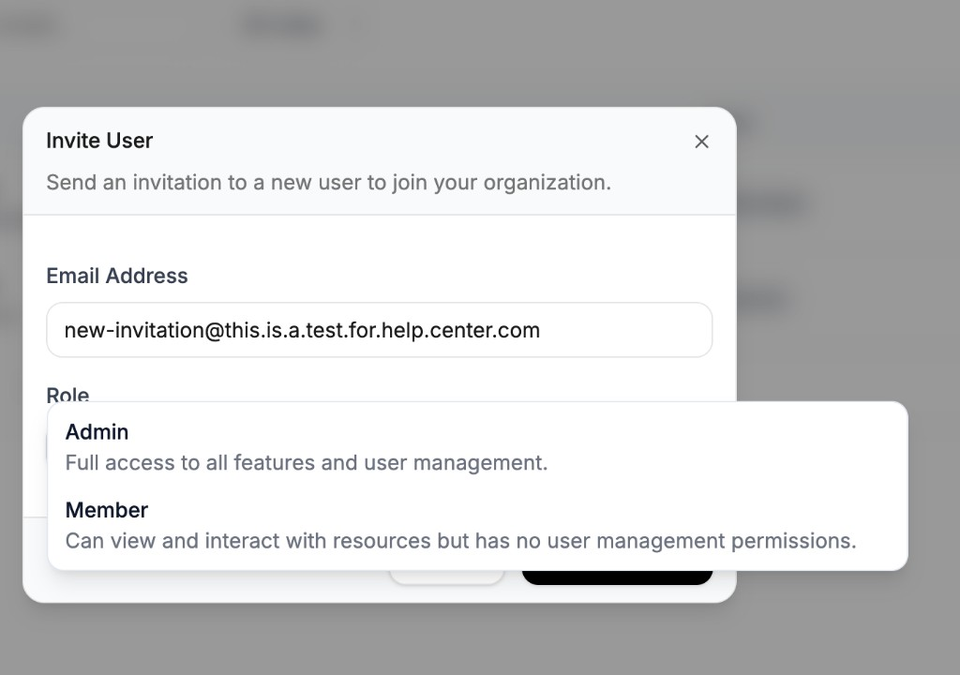
When inviting users, Nairo currently offers two roles:
- Admin - can open User Management, invite users and manage membership
- Member - can work in the workspace, but cannot manage users
Nairo does not currently offer fine-grained permission controls for every feature through the customer-facing admin screens.
Manage who has access
Admins can invite people and manage membership from User Management.
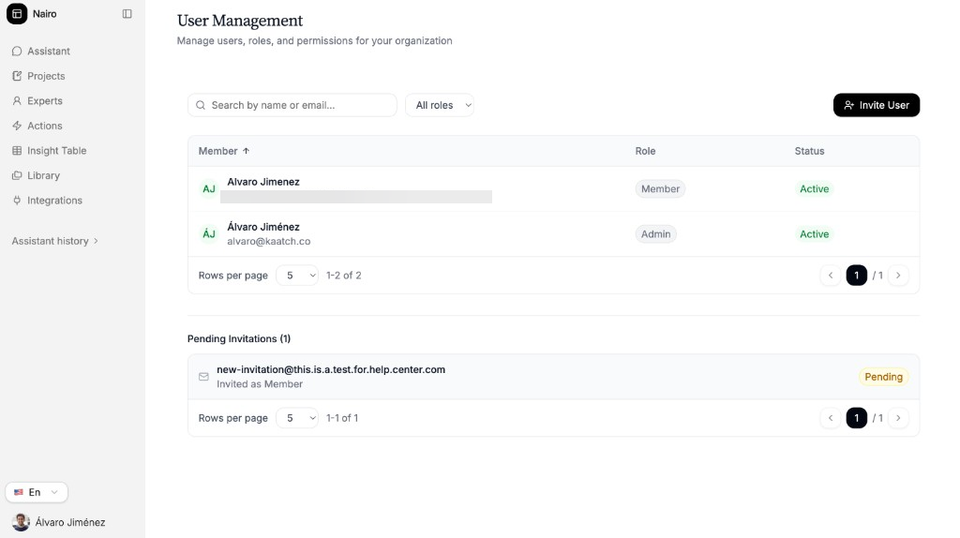
When you invite someone, choose Admin or Member in the invitation.
Need more help?
If you are stuck, email support@nairobilabs.com.