Report a problem
Use Help in the user menu to report a problem to Nairo support by email.
Report a problem when something in Nairo does not work as expected.
Report from the product
Open the user menu
Select your name or avatar in the sidebar footer.
Open Help
Select Help.
Select Report a problem
Choose Report a problem. Nairo opens an email to support with a support request subject.
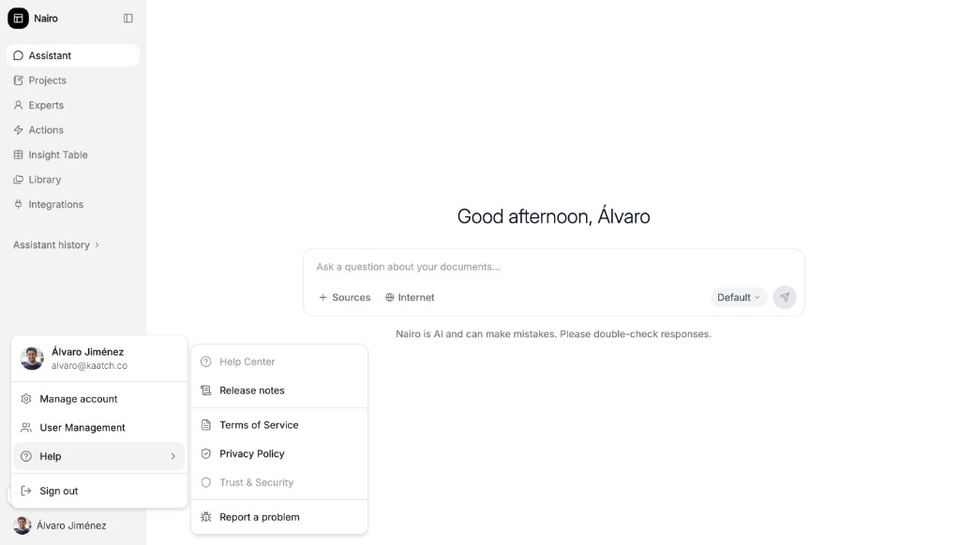
Report a problem opens an email to support. Send the email
Describe the issue and send the message. If your email app does not open, copy the support address and contact the team directly.
Need more help?
If you are stuck, email support@nairobilabs.com.