Sign in and find your workspace
Open Nairo with your organisation link, sign in, and reach your workspace.
Use the web address your organisation gave you. That link opens the right Nairo workspace for your team.
Sign in
Open your organisation link
In your browser, open the Nairo address for your organisation. Use the link from your invitation or your administrator.
Sign in
On the sign-in screen, follow the prompts to sign in with your work account. If you are new, you can create your account from the same flow when your organisation allows it.
Confirm you are in your workspace
After sign-in, you should see the Nairo sidebar with areas such as Assistant, Projects, and Insight Table.
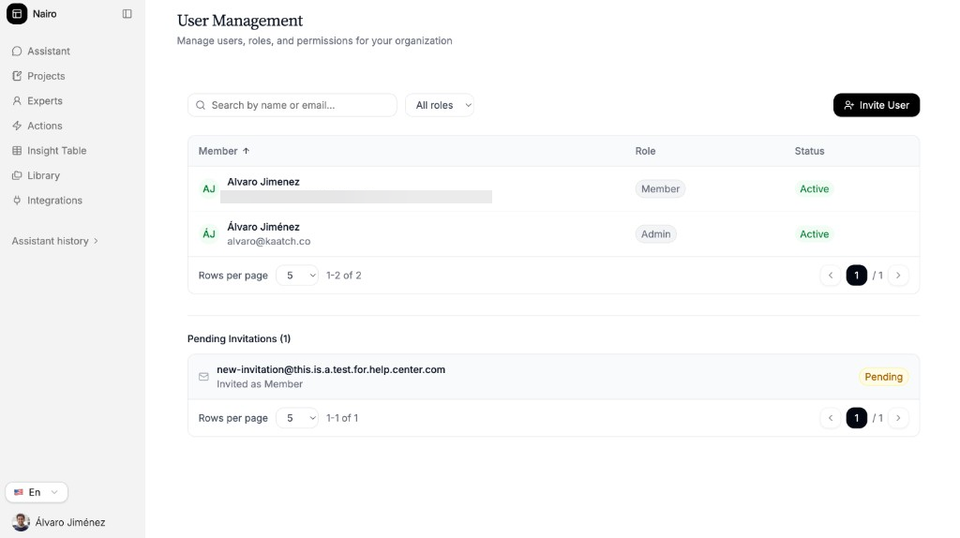
The sidebar shows the main areas of your workspace.
If you were invited
Open the invitation link from your email. Follow the on-screen steps to create your account or sign in, then continue into the workspace.
Need more help?
If you are stuck, email support@nairobilabs.com.