Add and manage columns
Create AI columns that extract the same information from every document row.
AI columns define what Insight Table should extract from each document.
Add a column
Open your review
Open the Insight Table review that already has documents, or add documents first.
Select Add column
Select Add column.
Name the column
In New AI Column, enter a Column Label.
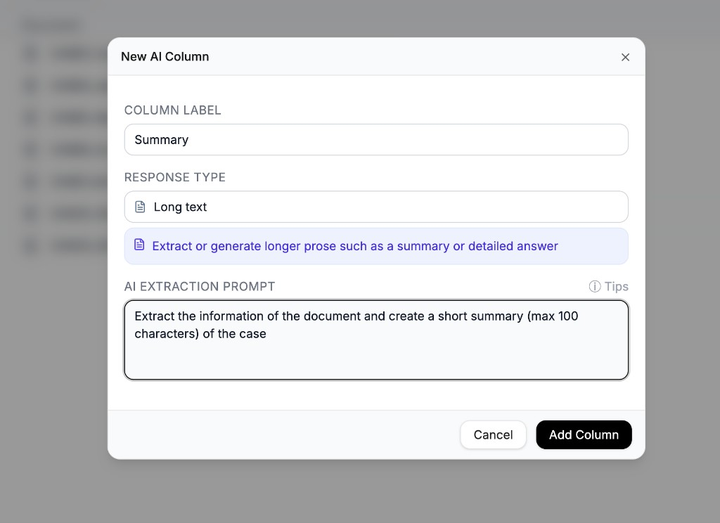
Write a clear label and extraction prompt. Choose the response type
Select a Response Type, such as Short text, Yes/No, or Date.
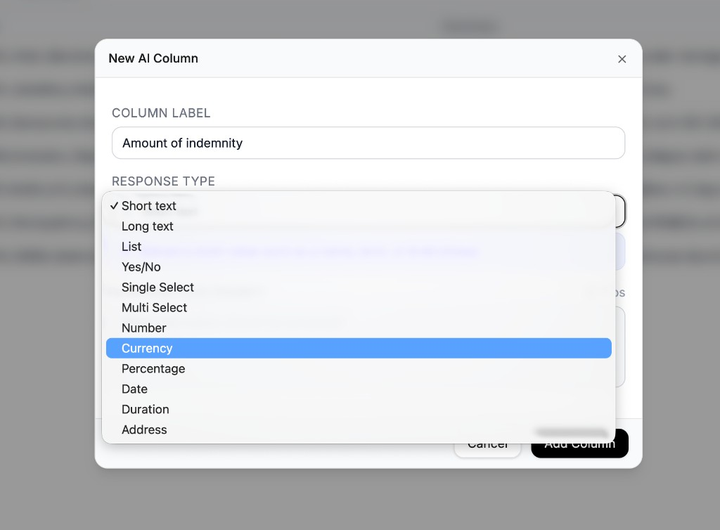
Pick the response type that matches the answer you want. Write the extraction prompt
In AI Extraction Prompt, describe what information should be extracted.
Add the column
Select Add Column. If documents are already in the table, Nairo can start extracting values automatically.
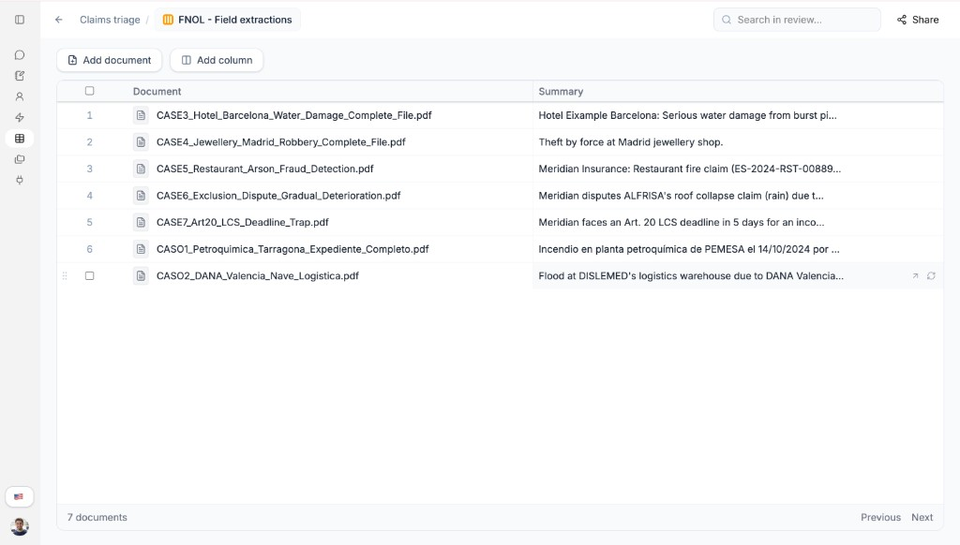
New AI columns appear beside the Document column.
Manage columns
Open a column’s menu to Execute All or Re-Execute All, or to Edit or Delete the column. Use Edit Column and Save Changes when you update the label or prompt.
Need more help?
If you are stuck, email support@nairobilabs.com.