Continue an earlier conversation
Reopen a previous Assistant conversation from history and pick up where you left off.
Your recent Assistant conversations stay in history so you can reopen them later.
Reopen from the sidebar
Open Assistant history
In the sidebar, find Assistant history. Conversations are grouped by time, such as Today or Yesterday.
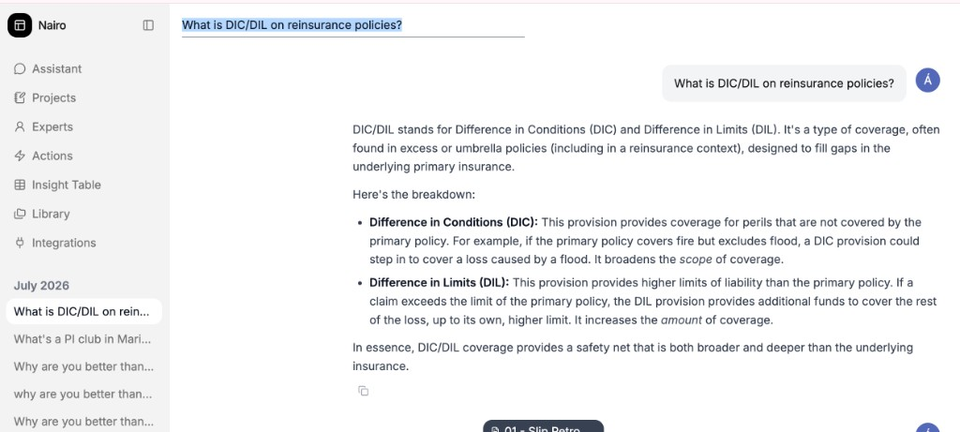
Select a conversation title to reopen it. Select the conversation
Select the conversation you want to continue. Nairo opens that chat.
Ask your follow-up
Type your next question in the same conversation and send it.
Find a conversation in Chat History
Open Chat History
In an open chat, open Chat History.
Search if needed
Use Search conversations… to narrow the list.
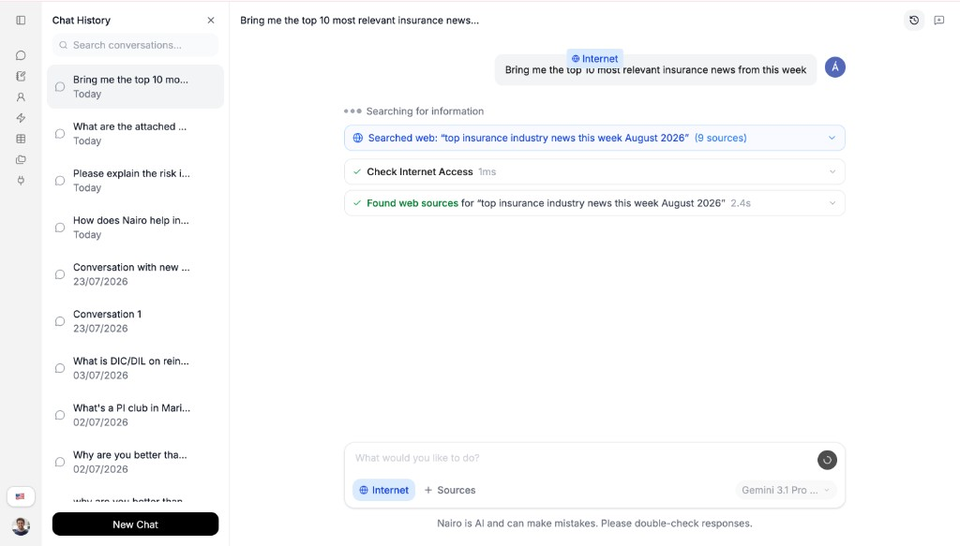
Search when the list is long. Select the conversation
Select the conversation to reopen it. To start fresh instead, select New Chat.
Need more help?
If you are stuck, email support@nairobilabs.com.