Improve your prompts
Write clearer questions so Assistant can give more useful answers.
Assistant answers the question you send. A clear prompt usually gets a clearer reply.
Write a stronger question
Open Assistant
In the sidebar, open Assistant.
State the outcome you need
In the question field, say what you want back. For example, ask for a short summary, a comparison, a list of gaps, or a yes or no with reasons.
Add the details that matter
Include the product, document, date range, or decision you care about. Name the file when you have more than one source attached.
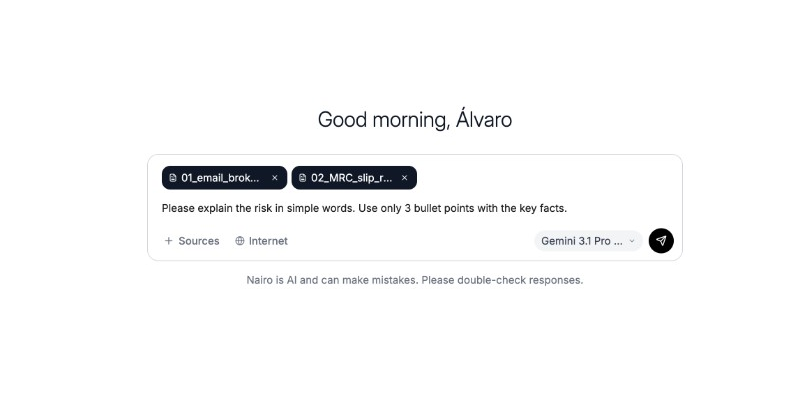
Specific questions are easier for Assistant to answer well. Attach sources when the answer depends on your files
Select Sources and add the documents you want Assistant to use. Enable Internet only when you also need web search.
Send, then refine
Send your question. If the reply is too broad or incomplete, ask a follow-up that narrows the scope.
Need more help?
If you are stuck, email support@nairobilabs.com.