Find and reopen a Project
Search your Projects list and open a Project to continue your work.
Return to a Project from the Projects list whenever you need to continue.
Find a Project
Open Projects
In the sidebar, select Projects.
Search or scan the list
Use Search projects… if you know part of the name. You can also sort the list, for example Newest first or Name A-Z.
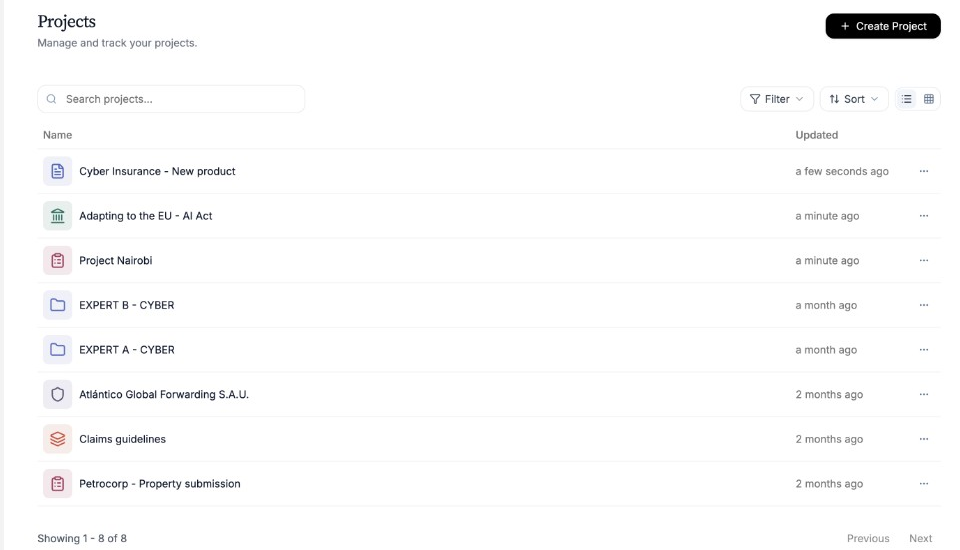
Search or browse to find the Project you need. Open the Project
Select the Project name to reopen it.
Need more help?
If you are stuck, email support@nairobilabs.com.