Start a conversation inside a Project
Ask questions in a Project Assistant after you add documents to Context.
Each Project includes an Assistant panel that works with the documents in that Project.
Ask in the Project Assistant
Open the Project
From Projects, open the Project you want to work in.
Confirm documents are in Context
Check the Context panel. You need at least one document before you can chat. If you see No Documents Attached, upload files first.
Type your question
In the Assistant panel, type what you want to know. The field may show What would you like to do?
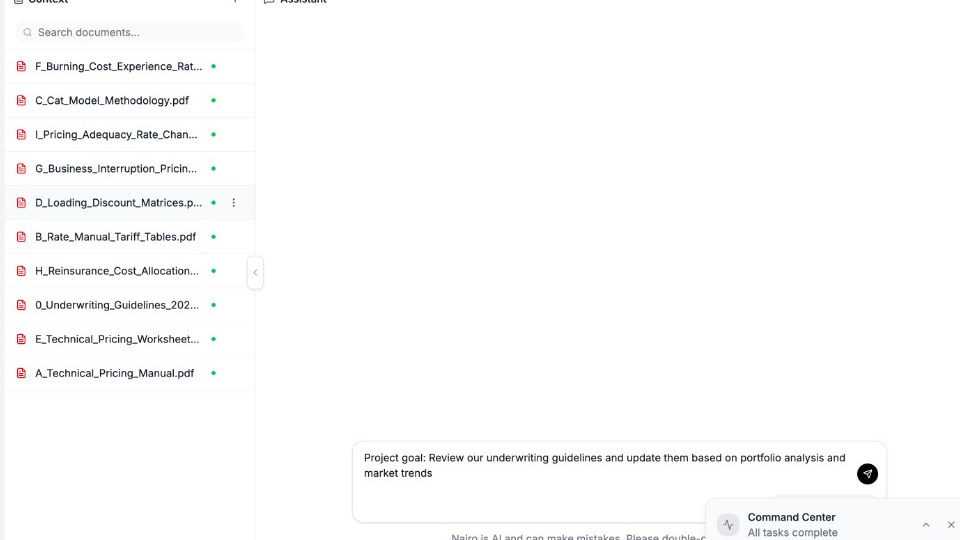
Ask about the documents already in this Project. Send and continue
Send your question, review the reply, then ask follow-ups in the same Project conversation.
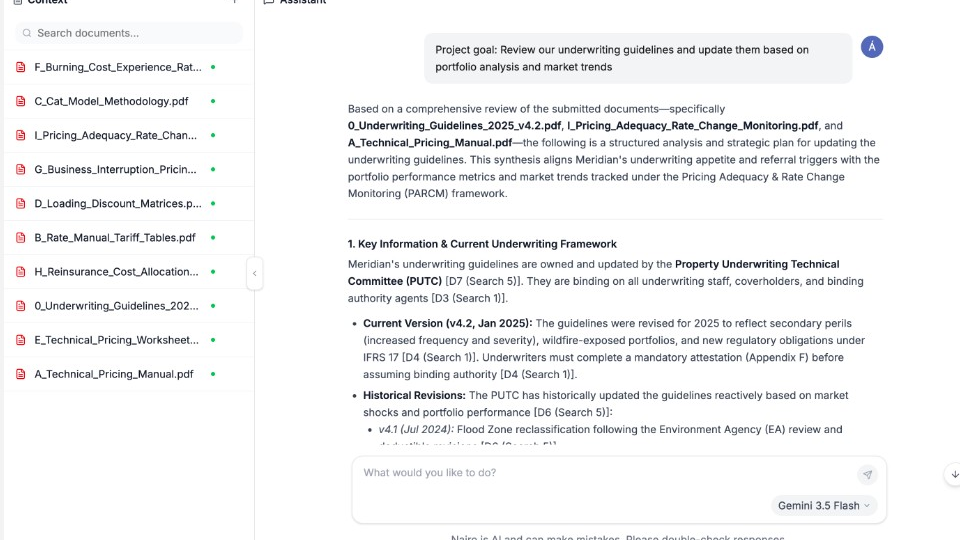
The Project keeps documents and the conversation together.
Need more help?
If you are stuck, email support@nairobilabs.com.